Docs site
This documentation site is a Docusaurus 3.10 app in apps/docs (package genie-docs). It builds to plain static files, so it can be hosted from an S3 bucket with or without CloudFront.
Commands
Run from genie/. Docusaurus needs Node 20 or later.
| Command | Root shortcut | What it does |
|---|---|---|
pnpm --filter genie-docs dev | pnpm docs:dev | Dev server with hot reload on http://localhost:3100 |
pnpm --filter genie-docs build | pnpm docs:build | Static build to apps/docs/build |
pnpm --filter genie-docs serve | pnpm docs:serve | Serves the build on http://127.0.0.1:3101 with scripts/static-server.mjs, which resolves routes the way an S3 static website endpoint does |
pnpm --filter genie-docs test:e2e | pnpm docs:test | Playwright suite against the build (run build first) |
pnpm --filter genie-docs test:e2e:install | Downloads Chromium for Playwright (once per machine) | |
pnpm --filter genie-docs typecheck | tsc --noEmit for the config, sidebar, pages and tests | |
pnpm --filter genie-docs clear | Clears Docusaurus caches |
The build fails on broken links between pages (onBrokenLinks and onBrokenMarkdownLinks are set to throw); broken heading anchors only produce warnings.
Structure
| Path | Contents |
|---|---|
docusaurus.config.ts | Site config: classic preset with docs at /docs/ and the blog off, Mermaid theme, local search (@easyops-cn/docusaurus-search-local), navbar, footer, trailingSlash: true, DOCS_SITE_URL and DOCS_BASE_URL |
sidebars.ts | The four sidebars (Guide, Assistant, Reference, Developers), each opened from a navbar tab and listed explicitly by doc id |
docs/ | Pages as Markdown/MDX: intro.md, getting-started.md, workspace-tour.md, limitations.md, and the browser/, assistant/, reference/ and developers/ folders |
src/pages/index.tsx | The home page, with an app screenshot (index.module.css next to it) |
src/css/custom.css | Theme colours and global styles |
static/img/screenshots/ | App screenshots (WebP, 1600 px wide) |
static/img/logo.svg, favicon.svg | Navbar logo and favicon |
tests/, playwright.config.ts | Playwright suite (see Testing) |
scripts/static-server.mjs | S3-like static server for the build, used by serve and the Playwright suite |
To add a page, create the file under docs/ and add its id (the path without .md) to sidebars.ts. Pages not listed in a sidebar are still built but are hard to find, and the test suite expects every doc page to have an active sidebar entry.
Writing conventions
Accuracy and wording
- Write plain, precise, technical English. Use the second person in user guides. Avoid marketing words and "first", "only" or "unique" claims. Make no speed, accuracy or user-benefit claims.
- Every factual statement must come from the code. Leave out anything you cannot verify.
- The agent runtime is the OpenAI Codex CLI app-server, and the model is chosen at run time. Do not describe Genie as being powered by a particular model vendor, and do not call Genie open source (there is no licence file).
- Distinguish the eg3-rendered project workspace from the native public landing browser where it matters.
- Quote UI labels exactly as the app shows them, in quotes or bold. Write keys as
<kbd>Cmd</kbd>+<kbd>K</kbd>, where Cmd means Command on macOS and Ctrl elsewhere. - Use
:::cautionfor caveats and known defects. Do not use screenshots of app errors. - Use repository-relative paths such as
genie/apps/backend; never absolute paths from a developer's machine.
Links and images
- Link between pages with relative file paths and the
.mdextension, for example[Tool reference](../assistant/tools.md). Docusaurus rewrites them to routes and fails the build if the target does not exist. - Link to a heading only if you know the anchor exists; prefer page-level links.
- Reference images with absolute site paths, for example
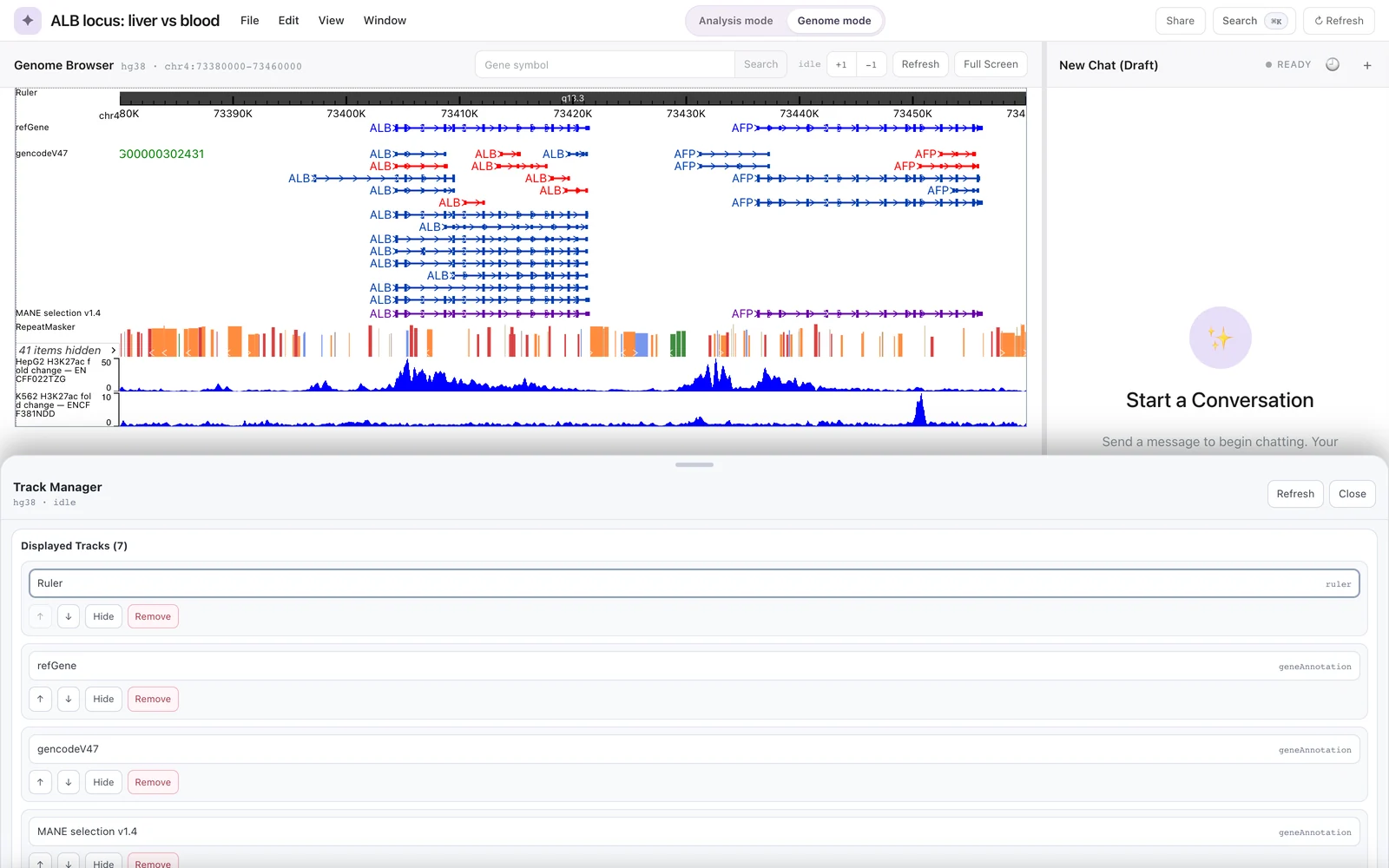. Give every image meaningful alt text. A caption can go in an italic line right after the image.
MDX
Pages are compiled as MDX 3, so some characters need care outside code:
- Escape a literal
<as<, and{or}as\{or\}. Placeholders such as<chr>:<start>belong inside backticks. - Do not use HTML comments; use
{/* ... */}instead. - Self-close void tags (
<br />). - Escape
|inside table cells as\|. - Mermaid diagrams go in fenced
mermaidblocks. Quote labels that contain special characters, for exampleA["Codex CLI app-server"].
Deploying to S3
The build is fully static. Every route is written as <route>/index.html because trailingSlash is true (for example docs/getting-started/index.html), and a 404.html is generated for unknown paths. Hashed JavaScript, CSS and processed images go under assets/; files from static/ are copied as-is (for example img/).
One-command deploy
apps/docs/scripts/deploy-s3.sh does the whole Option 1 deployment below:
- It creates the bucket if it does not exist.
- It allows a public bucket policy while keeping ACLs blocked.
- It turns on static website hosting, with
index.htmlas the index document and404.htmlas the error document. - It grants public
s3:GetObject. - It builds the site for the bucket's website URL.
- It uploads the files in the cache-friendly order shown under Upload.
DOCS_BUCKET=<bucket> AWS_REGION=us-east-1 apps/docs/scripts/deploy-s3.sh
The script prints the site URL, http://<bucket>.s3-website-<region>.amazonaws.com/. Website endpoints serve HTTP only; put CloudFront in front (Option 2) for HTTPS or a custom domain.
Build for the target URL
Set the public URL and base path at build time:
DOCS_SITE_URL=https://docs.example.org DOCS_BASE_URL=/ pnpm --filter genie-docs build
If the site lives under a prefix (for example https://example.org/docs-site/), set DOCS_BASE_URL=/docs-site/ and upload to the same prefix in the bucket. The defaults are https://docs.genie.local and /.
Team policy: do not run AWS commands against production directly. Write the commands into a script file, have it reviewed, and run it only with the project owner's permission.
Upload
The simplest upload mirrors the build into the bucket:
aws s3 sync apps/docs/build s3://<bucket>/ --delete
For better caching, save the following as deploy-docs.sh and review it before running. It uploads the content-hashed assets with a one-year cache lifetime first (keeping old files for now), then everything else with no-cache so browsers revalidate HTML, the sitemap and the search index on each visit, and only then removes hashed files that the new build no longer uses:
#!/usr/bin/env bash
set -euo pipefail
BUCKET="<bucket>"
BUILD="apps/docs/build"

aws s3 sync "$BUILD/assets" "s3://$BUCKET/assets" \
  --cache-control "public, max-age=31536000, immutable"

aws s3 sync "$BUILD" "s3://$BUCKET/" --delete \
  --exclude "assets/*" \
  --cache-control "no-cache"

aws s3 sync "$BUILD/assets" "s3://$BUCKET/assets" --delete \
  --cache-control "public, max-age=31536000, immutable"
Uploading assets/ first means new HTML never points at files that are not there yet, and deleting old hashed files last means pages already open in a browser keep working during the upload. The --exclude in the second command keeps it from deleting anything under assets/.
Option 1: S3 static website hosting
The S3 website endpoint resolves <route>/ to <route>/index.html by itself:
aws s3 website s3://<bucket>/ --index-document index.html --error-document 404.html
The website endpoint serves HTTP only and needs a bucket policy that allows public reads. Use CloudFront if you need HTTPS or want to keep the bucket private.
Option 2: CloudFront with a private bucket
Use a private bucket as a CloudFront origin with an origin access control (OAC), and grant the distribution s3:GetObject in the bucket policy. Set the default root object to index.html.
Unlike the website endpoint, the S3 REST origin does not map docs/getting-started/ to docs/getting-started/index.html. Add a CloudFront Function on the viewer request event of the default behaviour that appends index.html to directory-style requests:
function handler(event) {
  var request = event.request;
  var uri = request.uri;
  if (uri.endsWith('/')) {
    request.uri = uri + 'index.html';
  } else if (uri.split('/').pop().indexOf('.') === -1) {
    request.uri = uri + '/index.html';
  }
  return request;
}
Also add custom error responses for 403 and 404 that return /404.html with status 404 (S3 answers 403 for missing keys when the distribution cannot list the bucket).
Example commands for the function, to go into the reviewed script:
aws cloudfront create-function \
  --name genie-docs-index-rewrite \
  --function-config Comment="Append index.html to directory requests",Runtime=cloudfront-js-2.0 \
  --function-code fileb://index-rewrite.js

aws cloudfront publish-function --name genie-docs-index-rewrite --if-match <etag>

aws cloudfront create-invalidation --distribution-id <distribution-id> --paths "/*"
Publish the function with the ETag returned by create-function or describe-function. Run the invalidation after each deploy if the distribution caches HTML. Associate the published function with the distribution's default cache behaviour as a viewer-request function (in the console, or with aws cloudfront update-distribution and an edited distribution config).
Check before publishing
pnpm --filter genie-docs build
pnpm --filter genie-docs test:e2e
The Playwright suite checks that every route in the sitemap maps to an index.html file and that 404.html exists, which are the two things a static bucket needs.